Contact details
Emails, phone numbers, and job titles from directories and company pages.
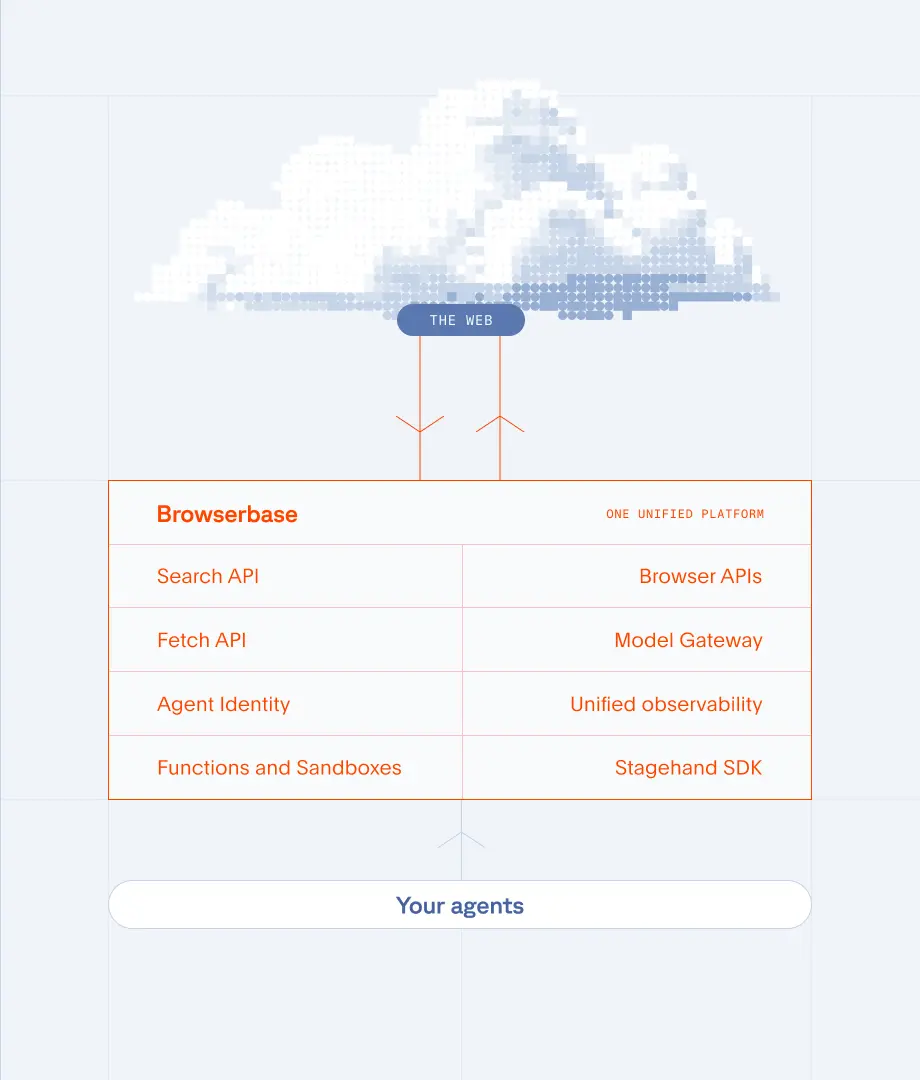
Business directories block scrapers, because they were not built for agents. Browserbase runs real browsers that pull contact data, company details, and buying signals from public sites, reliably. On the infrastructure behind 35m+ browser sessions a month.

The Problem
The Solution
Emails, phone numbers, and job titles from directories and company pages.
Revenue, employee count, industry, tech stack, and firmographics.
Job postings, recent news, funding rounds, and growth indicators.
Extract company value propositions from websites for lead enrichment and outreach
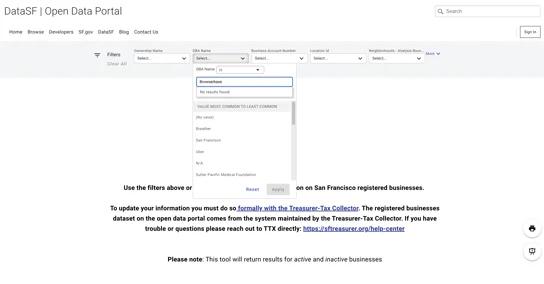
Search business registries and extract registration details, NAICS codes, and ownership data
Web scraping public business data is generally legal when you respect robots.txt, terms of service, and data protection regulations. Always consult legal counsel for your specific use case.
You can extract contact details (emails, phone numbers, job titles), company information (revenue, employee count, industry, tech stack), buying signals (job postings, funding rounds, news), and social profiles from business directories and company websites.
Browserbase uses real browsers with Verified access built in, covering fingerprint rotation, residential proxies, managed CAPTCHA solving, and human-style navigation, so collection stays reliable at scale. Agent Identity adds Web Bot Auth signed requests, so sources can verify your agent instead of guessing.
Business directories block scrapers, because they were not built for agents. Browserbase runs real browsers that pull contact data, company details, and buying signals from public sites, reliably. On the infrastructure behind 35m+ browser sessions a month.
The Problem
The Solution
Emails, phone numbers, and job titles from directories and company pages.
Revenue, employee count, industry, tech stack, and firmographics.
Job postings, recent news, funding rounds, and growth indicators.
Extract company value propositions from websites for lead enrichment and outreach
Search business registries and extract registration details, NAICS codes, and ownership data
Web scraping public business data is generally legal when you respect robots.txt, terms of service, and data protection regulations. Always consult legal counsel for your specific use case.
You can extract contact details (emails, phone numbers, job titles), company information (revenue, employee count, industry, tech stack), buying signals (job postings, funding rounds, news), and social profiles from business directories and company websites.
Browserbase uses real browsers with Verified access built in, covering fingerprint rotation, residential proxies, managed CAPTCHA solving, and human-style navigation, so collection stays reliable at scale. Agent Identity adds Web Bot Auth signed requests, so sources can verify your agent instead of guessing.
Professional network presence, posts, and engagement data.
Extract company mailing addresses from Terms of Service and Privacy Policy pages
LinkedIn's terms of service restrict automated scraping. However, you can use Browserbase to scrape public business directories, company websites, and other legitimate data sources to build comprehensive lead lists without violating platform policies.
Web scraping gives you fresher, more targeted data than purchased lists. You control exactly what data you collect, when you collect it, and can continuously update your CRM. This results in higher-quality leads with better conversion rates compared to static, often outdated purchased lists.
Professional network presence, posts, and engagement data.
Extract company mailing addresses from Terms of Service and Privacy Policy pages
LinkedIn's terms of service restrict automated scraping. However, you can use Browserbase to scrape public business directories, company websites, and other legitimate data sources to build comprehensive lead lists without violating platform policies.
Web scraping gives you fresher, more targeted data than purchased lists. You control exactly what data you collect, when you collect it, and can continuously update your CRM. This results in higher-quality leads with better conversion rates compared to static, often outdated purchased lists.