Claims processing
Submit, track, and update claims across carrier portals without manual data entry.
Carrier portals were not built for agents. Browserbase is: real browsers that navigate portals, process claims, and verify policies reliably, under one API key, so your team stops copying data between systems.

The Problem
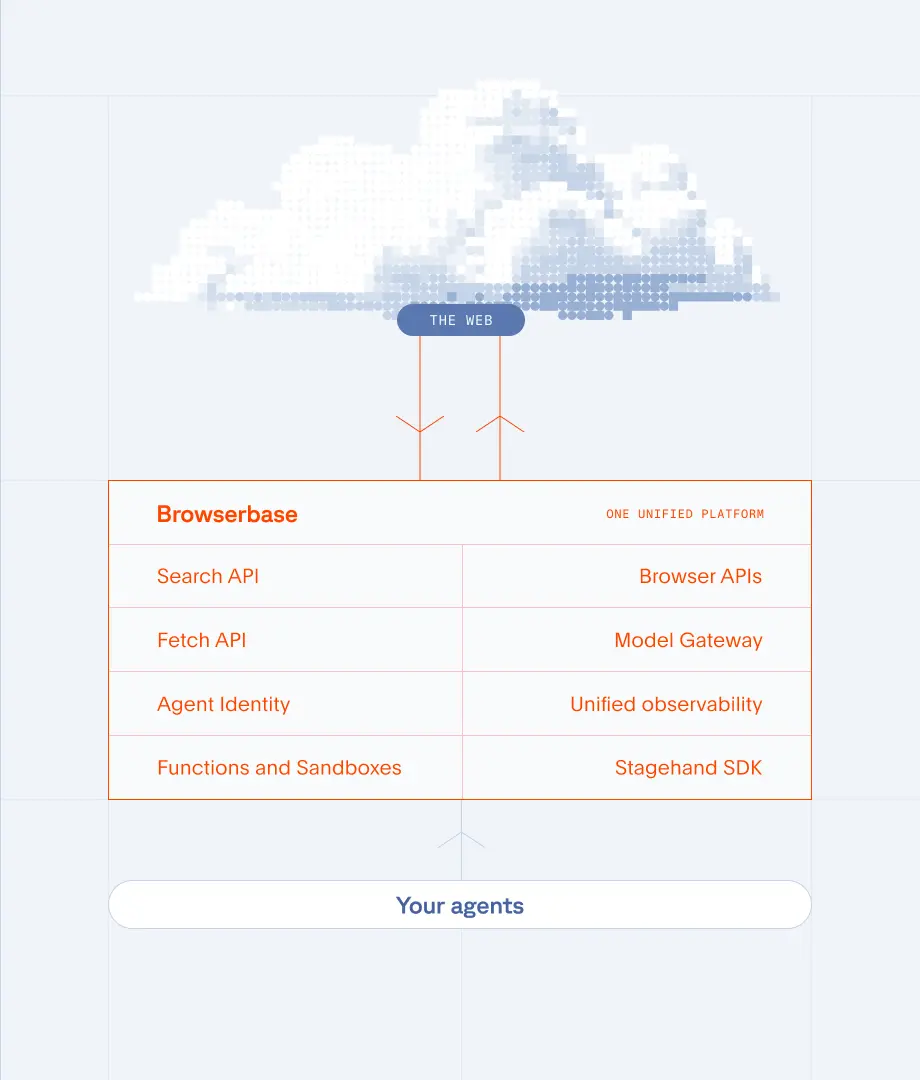
The Solution
Submit, track, and update claims across carrier portals without manual data entry.
Check coverage details, renewal dates, and policy status across multiple carriers.
Download certificates of insurance, declarations pages, and loss runs automatically.
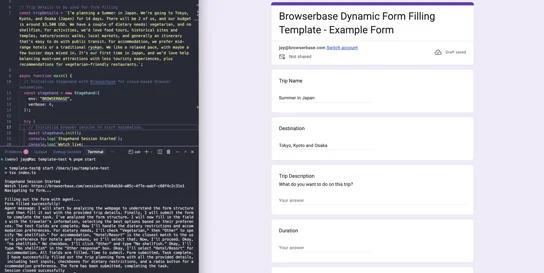
Form Automation
Intelligently fill out forms from natural language or unstructured data using AI
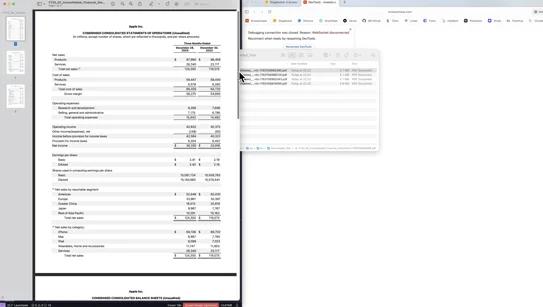
Downloads
Navigate investor relations pages and download quarterly earnings reports as PDFs
Any workflow that happens in a web browser. This includes claims submission and tracking across carrier portals, policy verification and renewal processing, certificate of insurance downloads, loss run collection, compliance checks on regulatory sites, and data syncing between agency management systems that lack APIs.
Use the Contexts API to persist authentication state across sessions. Log in once, save the session context, and reuse it for all subsequent runs. Your agent stays logged in and skips repeated MFA prompts as long as the session remains valid.
Yes. Browserbase is SOC-2 Type II certified with full session isolation. Each browser runs in its own sandboxed environment, and you control what data is logged. Session recordings provide audit trails for compliance documentation.
Carrier portals were not built for agents. Browserbase is: real browsers that navigate portals, process claims, and verify policies reliably, under one API key, so your team stops copying data between systems.
The Problem
The Solution
Submit, track, and update claims across carrier portals without manual data entry.
Check coverage details, renewal dates, and policy status across multiple carriers.
Download certificates of insurance, declarations pages, and loss runs automatically.
Form Automation
Intelligently fill out forms from natural language or unstructured data using AI
Downloads
Navigate investor relations pages and download quarterly earnings reports as PDFs
Any workflow that happens in a web browser. This includes claims submission and tracking across carrier portals, policy verification and renewal processing, certificate of insurance downloads, loss run collection, compliance checks on regulatory sites, and data syncing between agency management systems that lack APIs.
Use the Contexts API to persist authentication state across sessions. Log in once, save the session context, and reuse it for all subsequent runs. Your agent stays logged in and skips repeated MFA prompts as long as the session remains valid.
Yes. Browserbase is SOC-2 Type II certified with full session isolation. Each browser runs in its own sandboxed environment, and you control what data is logged. Session recordings provide audit trails for compliance documentation.
Verify licenses, check regulatory filings, and monitor compliance portals at scale.

Form Automation
Voice agent that conducts structured questionnaires using YAML configuration with conditional logic and response validation.
Yes. Browserbase supports parallel browser sessions. Process claims across dozens of carrier portals simultaneously, each with its own authentication context and workflow. Scale to hundreds of concurrent sessions as volume grows.
Traditional RPA tools require desktop agents and carrier-specific connectors that break when portals update. Browserbase runs in the cloud with real browsers you control through code. It adapts to portal changes, scales without desktop infrastructure, and works with any web-based system.
Yes. Browserbase captures file downloads automatically. When your automation clicks a download link on a carrier portal, the file is captured and made available via API. Works with PDFs, certificates, Excel files, and any other document type.
Verify licenses, check regulatory filings, and monitor compliance portals at scale.
Form Automation
Voice agent that conducts structured questionnaires using YAML configuration with conditional logic and response validation.
Yes. Browserbase supports parallel browser sessions. Process claims across dozens of carrier portals simultaneously, each with its own authentication context and workflow. Scale to hundreds of concurrent sessions as volume grows.
Traditional RPA tools require desktop agents and carrier-specific connectors that break when portals update. Browserbase runs in the cloud with real browsers you control through code. It adapts to portal changes, scales without desktop infrastructure, and works with any web-based system.
Yes. Browserbase captures file downloads automatically. When your automation clicks a download link on a carrier portal, the file is captured and made available via API. Works with PDFs, certificates, Excel files, and any other document type.